INTERACTIVE READING PLATFORM
Turn your books into interactive editions
RoamBook links every passage of your books, manuals and documents to the moments in your videos that explain it. Readers tap the words and watch. Our AI drafts the links. Your editors approve every one.

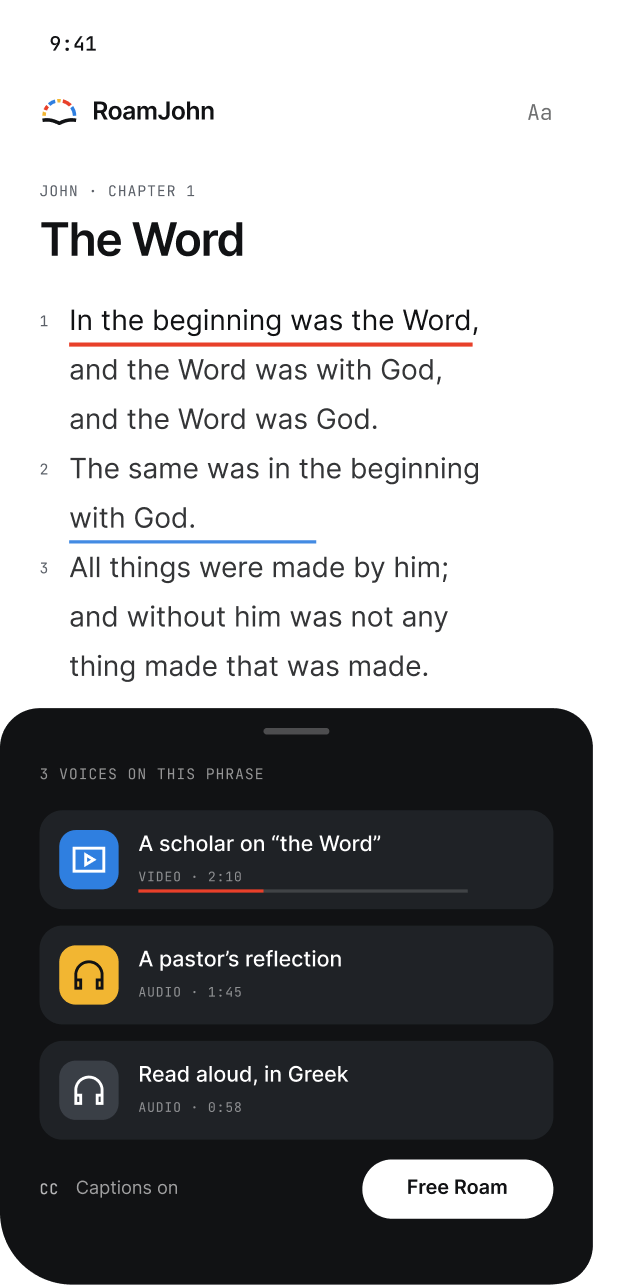
JOHN 1:1
In the beginning was the Word
Scholar
Pastor

THE READER
How readers use it
Phrases with clips are underlined. One tap opens short clips from different speakers on exactly those words.

Underlined phrases
Readers can see where there is more to hear.

Different voices
Short video and audio clips from several speakers.

Captions on every clip
Text they can resize, on any phone.
FEATURES
What RoamBook does
Clips on the exact words
Phrases with clips are underlined. One tap plays short clips from several speakers on those words.

AI clips and links
Our AI cuts your content into short clips and links each one to the text it is about. Your team checks every suggestion.

Your brand, your domain
Each client gets its own reader, with its own name, colours and logo, on its own web address.

RoamBook Studio
Upload books and content, review clips, manage tags and invite your team, all in one place.

Made for phones
Readers read on their phone, with captions on every clip and text they can resize.

Insights
See which words readers tap and which clips they watch. You see counts, never who watched what.
HOW IT WORKS
How it works in three steps

Add your text
Scripture, a book, a set text, a handbook or a manual, as Word, EPUB, Markdown, RTF or plain text.

Add your video or audio
Our AI suggests the clips and the words each one explains. Your editors approve every clip.

Readers tap and listen
Readers open your reader, tap the words and watch the clips about them.
INSIGHTS
Insights for your team
See which words readers tap and which clips they watch. Counts, never who watched what.
EXAMPLE LAYOUT
YOUR BRAND, YOUR DOMAIN
One platform. Every reader is yours.
Every reader
is yours.
Its own name, colours and logo, on its own web address.
read.yourchurch.org
Your Bible
Chapter 1
Chapter 2
Chapter 3
POWERED BY


POWERED BY ROAMBOOK
books.yourpress.com
Field Notes
Chapter 1
Chapter 2
Chapter 3
POWERED BY


POWERED BY ROAMBOOK
manuals.yourcompany.com
Line Manual
Chapter 1
Chapter 2
Chapter 3
POWERED BY
POWERED BY ROAMBOOK
WHO IT’S FOR
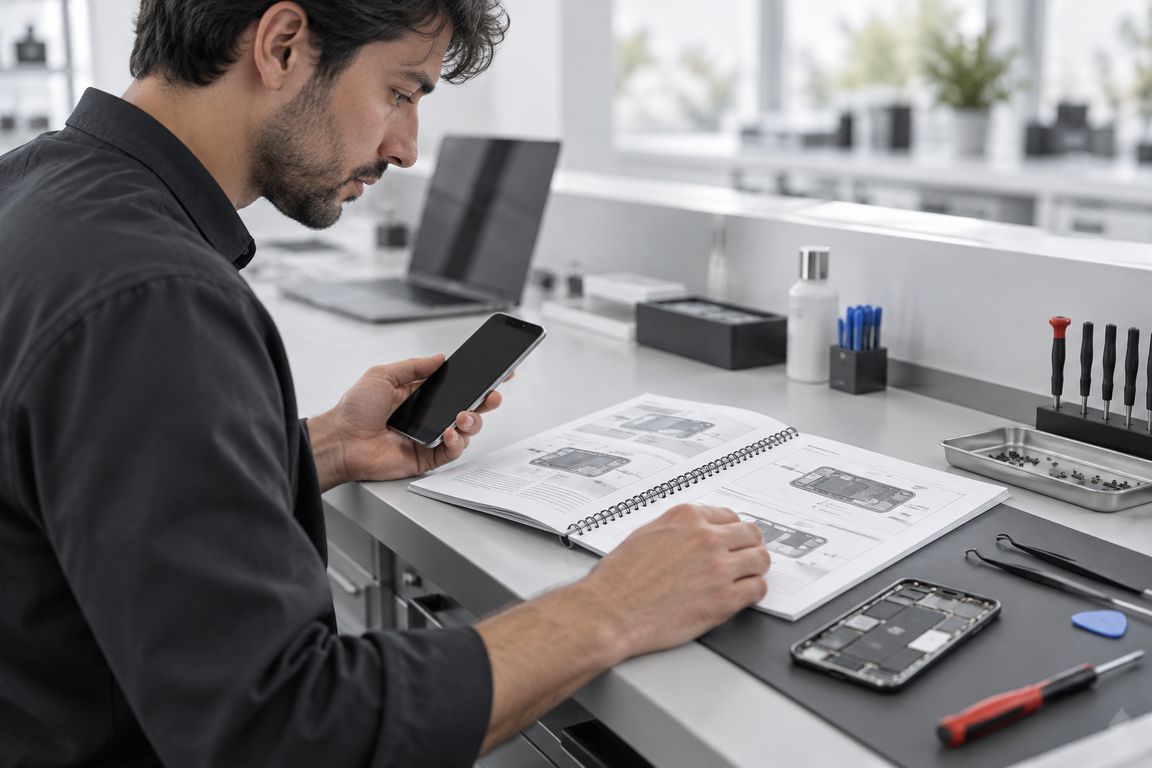
Who uses RoamBook






BACK TO THE TEXT
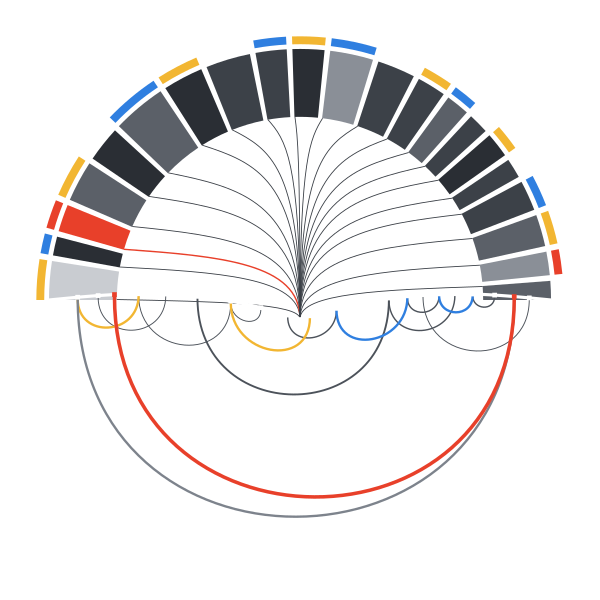
Every clip leads back to the words it explains.
FAQ
Questions, answered.
What kinds of books work?
+
Any text with a structure: scripture, books, set texts, handbooks and manuals. Today we take Word, EPUB, Markdown, RTF and plain text.
Does the AI publish clips on its own?
+
No. Our AI suggests clips and links; your team checks and approves every one in RoamBook Studio.
Can it carry our name and look?
+
Yes. Each client gets its own reader with its own name, colours and logo, on its own web address.
Do readers need anything special?
+
A phone with a browser. No app to install. Clips have captions, text can be resized, and phrases with clips are clearly underlined.
What do insights show us?
+
Counts of the words readers tap and the clips they watch. Never who watched what.
How do we start?
+
Book a call. We will show you a reader built around your own text and video.
What kinds of books work?
Any text with a structure: scripture, books, set texts, handbooks and manuals. Today we take Word, EPUB, Markdown, RTF and plain text.
Does the AI publish clips on its own?
No. Our AI suggests clips and links; your team checks and approves every one in RoamBook Studio.
Can it carry our name and look?
Yes. Each client gets its own reader with its own name, colours and logo, on its own web address.
Do readers need anything special?
A phone with a browser. No app to install. Clips have captions, text can be resized, and phrases with clips are clearly underlined.
What do insights show us?
Counts of the words readers tap and the clips they watch. Never who watched what.
How do we start?
Book a call. We will show you a reader built around your own text and video.

See RoamBook with your own books
We will show you a reader built around your own text and video. Or get the starter pack with examples and plans.
Book a callOr email us at contact@roambook.io